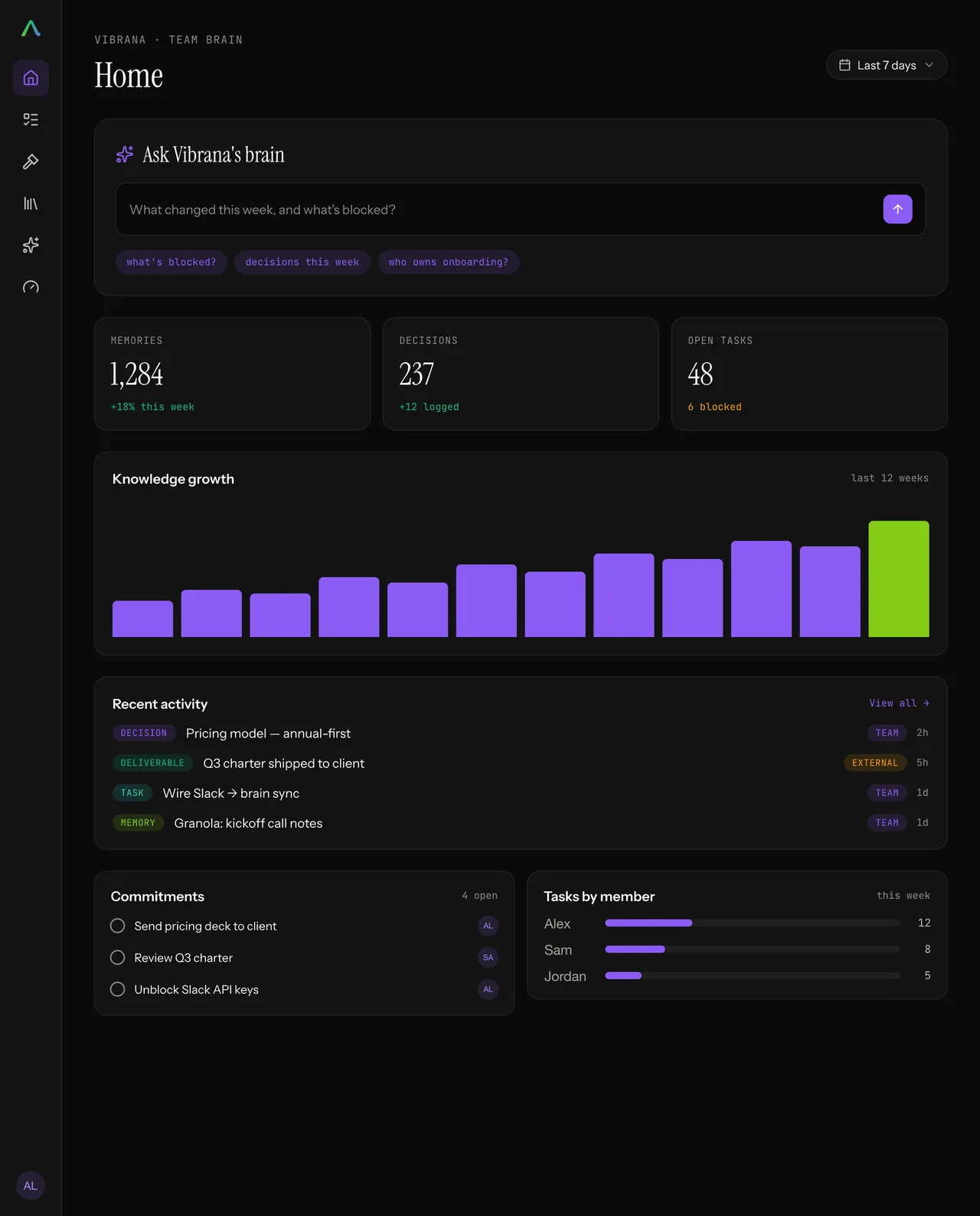
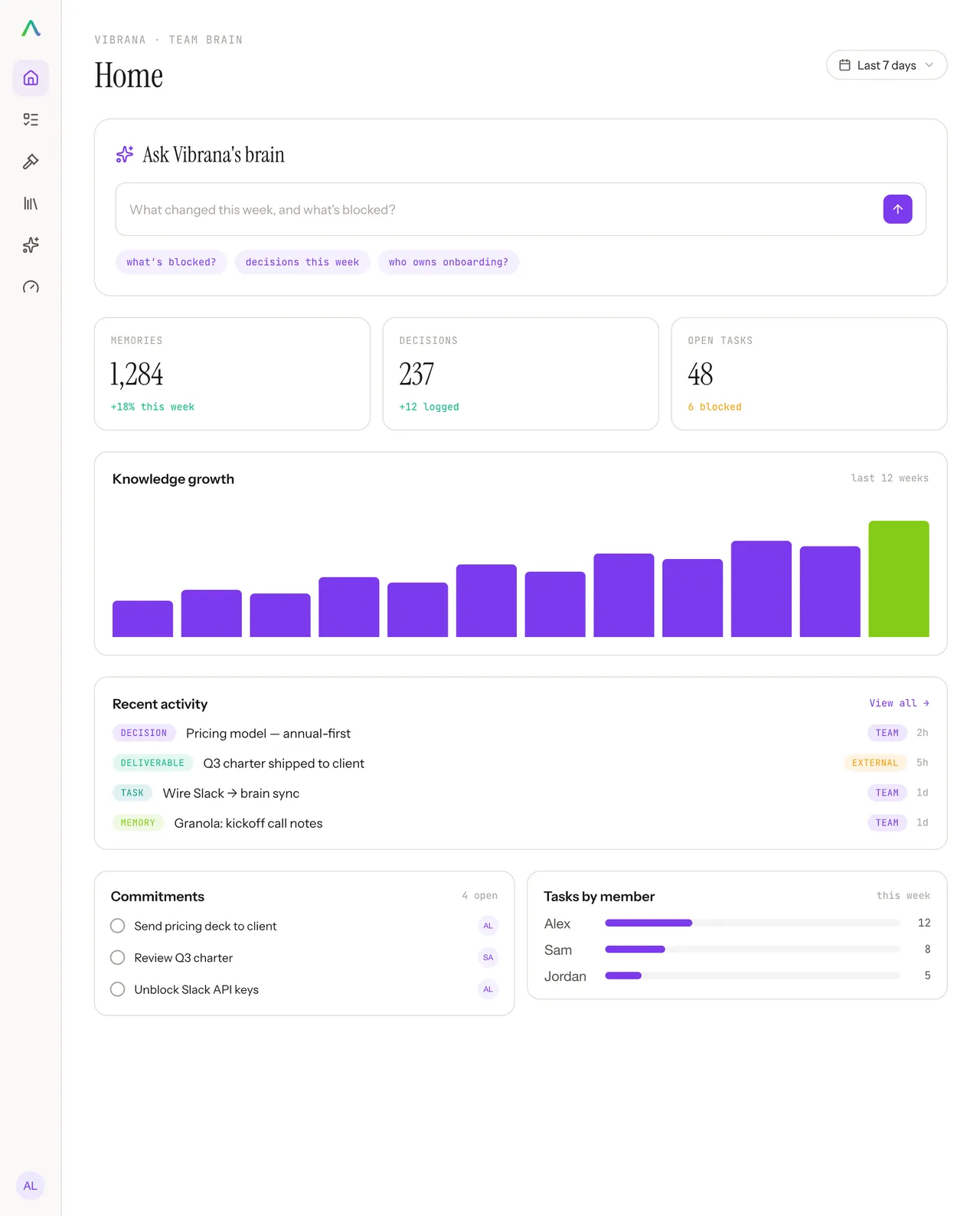
Catch up in one question
Ask “what happened while I was out?” and get a synthesized answer across everyone’s work, instead of a morning of catch-up calls.
One brain every workspace feeds. Knowledge, decisions, and deliverables in a single queryable store that gets sharper with every push.
Every user and data source feeds a single shared brain: knowledge, memory, reasoning, and policy in one place. A context engine finds the patterns; the brain surfaces the work and acts on it, getting sharper with every use.
Users on Claude Code, Cursor and the AIOS Workstation send daily updates, and data streams from Slack, Notion, Linear, GitHub and Google are ingested, into one Team Brain holding knowledge, memory, reasoning and policy. A context engine beneath it finds patterns and closes the loop. The brain surfaces a kanban board, a KPI dashboard and a query interface, and takes policy-governed actions: spawning agents, executing tasks, and improving the team's shared harness of skills, hooks and guards.
USERSEverything the team produces feeds one place. We turn it into a clear, per-person timeline of who did what and when, then build a context layer on top that understands the narrative arcs of the work and the gaps: what is moving, what has stalled, and where attention has drifted. All of it queryable in plain English.
Everything the team produces, chat, docs, pull requests, issues, and meetings, is ingested into one place. AIOS normalizes it into a clear, per-person timeline of who did what and when. A context layer sits on top of that timeline and understands the narrative arcs of the work and the gaps: what is moving, what has stalled, and where attention has drifted. All of it is queryable in plain English through an LLM.
Open any sentence the brain wrote and it comes apart into the items it was built from. Open those and you land on the records they came from. The ingestors normalise what your tools emit but keep the identifier of the original rather than discarding it, so the link survives every step between a raw commit and a claim on a dashboard.
A sentence from a narrative arc, opened downward into what it was built from. The arc reads that routing is wired for the three text jobs, the fallback path is tested, and the work left is the cost ceiling. Opening that claim shows the three attributed items behind it: two GitHub commits and a Linear issue. Opening those shows the source of record for each one, the actual commit URLs and the issue it came from. Nothing the brain writes is unsourced, because the identifier of the original is kept at every step rather than discarded.
The brain reads each codebase and grades how agentic it actually is: whether agents have instructions to follow, whether there are evals and tests to check their work, how much of the recent history they wrote, and how ready the repo is for them to work in unsupervised. Then it shows you which parts are missing.
provisional heuristic · a transformation signal, not ground truth
L4 83.33%
Three everyday ways a team brain takes work off your plate.
Ask “what happened while I was out?” and get a synthesized answer across everyone’s work, instead of a morning of catch-up calls.
Duplicated effort, a thread gone quiet, attention drifting from what mattered. The brain surfaces it the moment it appears, not at the next retro.
Agents draft, answer, and act against the same ground truth the team sees, and write their results back, so your automation stays grounded.
Each organ system is independently deployable. Adopt what you need: workspace only, brain only, or the full loop.
Open source and self-hosted. Clone the workspace per person, run the brain on your Postgres. No cloud lock-in.
Every action is policy-governed. Teams define what runs autonomously and what requires human approval.
Individual agent data stays personal by default. The collective brain receives only what members choose to push.
The official Railway template creates Team Brain, Postgres, Graphiti and Neo4j together, generates the required secrets, and shows the resources and charges before anything is deployed.
No GitHub fork or local Railway CLI is required.
It does not connect a personal workspace or push any content. Railway shows the services and estimated charges before deployment.
Prefer another host or a local install? The full setup guide keeps the portable manual path.
Three things are required and carry the whole product: any host running Node 20 or newer, the Next.js app, and one Postgres 16 database with the pgvector extension for search. Two further services are optional and can be added later or never. A Python sidecar, run on your own infrastructure, pulls from Notion, Google Drive, Confluence, RSS, web pages and local files. Neo4j with Graphiti is the context engine, which powers the narrative arcs on Pulse. Without either optional branch, the rest of the product is unaffected.
Required: it will not run without these
Anything that builds a Next.js app, on Node 20+.
It detects the app automatically and the official template includes Postgres, Graphiti and Neo4j with private-network wiring. Nothing in the code depends on it: Fly, Render or your own box work the same.
The source of truth. One database per team instance.
Every item, task, decision and attribution. The brain is Postgres-native: the timeline, search and admin surfaces all read it directly.
AUTH_SECRET signs sessions, SECRETS_KEY encrypts connector tokens.
# AUTH_SECRET, then SECRETS_KEY
openssl rand -base64 32
openssl rand -base64 32
Needed for the brain to answer anything
The brain is model-agnostic: Anthropic, OpenAI, OpenRouter, or a model on your own hardware for $0.
OpenRouter is a gateway: one key reaches hundreds of models from every major lab. The choice is per team and lives in the database, so it is an admin-UI switch with no redeploy, and answering, reasoning and embeddings are picked independently. Without a key the dashboard still works, but the query box cannot answer.
Load the vector schema once, then pick an embeddings model.
Skipping it is quiet. Search silently falls back to keyword matching only, so "what did we decide about pricing?" stops finding the thread that never says "pricing". Nothing warns you: it just answers worse.
Context engine included; optional sidecar below
Powers the narrative arcs on Pulse, the learning panel, and graph-grounded answers.
Graphiti uses the provider and extraction model you configure in Team Brain Admin, so it needs no separate provider key. It powers the narrative of the week as well as graph-grounded answers.
uvOnly for the sidecar connectors: Notion, Google Drive, Confluence, RSS, web pages and local files.
Slack, GitHub, Linear and Plane run inside the app and are configured in the admin UI. The sidecar pulls on your own infrastructure and pushes over the same API, so those credentials never reach the brain.
Every connector API is free. You pay for embeddings and LLM calls. The context engine uses the same provider configuration as Team Brain. Self-host the model and all of it is zero.
Two paths, and either works on its own. Most teams use both.
aios CLI. Each person pushes
tier-tagged content from their own workspace. Optional: the connectors feed the brain
on their own.
In this order. Two of them are yours: choosing the answers, and connecting a source.
The Railway template performs these steps in the hosted deployment. When it is healthy,
create an API key in Account and return to aios onboard; Create resumes the
same validated Join flow and saves nothing until GET /api/v1/me succeeds.
Joining a team that already runs one? You do not need any of this, you need an invite. Start at the quickstart instead.